Google’s Offline Voice AI: What Runs on Your Phone?
Watch on YouTube ↗ · 39 seconds
What has to move onto a phone for a voice AI conversation to keep going offline?
THE SHIFT
A dead mobile signal usually turns a cloud AI conversation into a waiting screen. Google is moving more of that conversation onto the device.
In its November 10 announcement, Google added on-device speech recognition and text-to-speech to AI Edge Gallery, its experimental app for exploring local AI. Together with a compatible language model, those pieces can support an exchange that listens, reasons and speaks without sending each turn to a remote server. This concerns the Gallery app and its supported processing routes; it does not mean every Google AI conversation now works offline.
THE PROOF
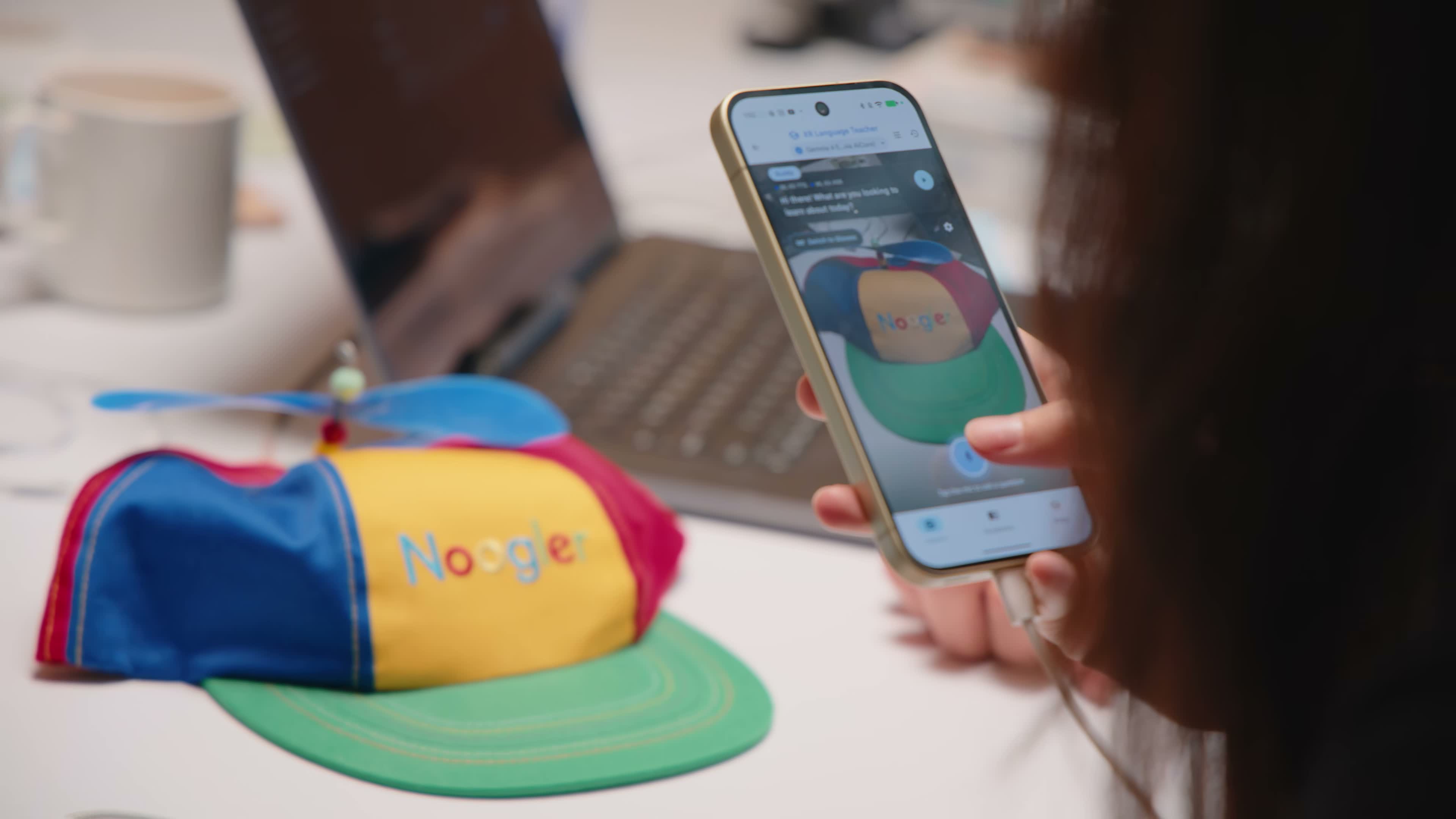
Google shows the capability in XR Language Teacher. A camera supplies the thing you are asking about, while a voice question supplies your intent. The app can explain the object and help with pronunciation in another language. Its separate AI Chat demonstration shows dictation and read-aloud playback in an ordinary text conversation.
The useful distinction is between understanding sound and answering a question. Speech recognition creates text from the microphone input. A local language model handles the question, with an image when the task needs one. Speech synthesis creates the audible response. A microphone button alone does not tell you where those other jobs run.
THE CATCH
Offline describes the work after the necessary components are available. It does not erase the preparation step.
Google’s Android speech-recognition documentation provides availability checks, model preparation and download handling. It also distinguishes processing options with different device requirements. A phone that can install an app may still lack a particular accelerated speech route. Text-to-speech has its own supported model and readiness requirements.
The Gallery project supports Android and iOS, while the underlying integration can differ. Treat the app, speech route, language support and local model as a combination to check together. A platform name is not a promise that every model behaves identically on every handset.
YOUR MOVE
Choose a supported device and model route, then prepare the model and language resources while connected. Confirm readiness before depending on an offline conversation. An unfamiliar label is a useful way to understand the workflow: the camera provides the visual evidence, your question says what you need, and the prepared models carry that question through to sound.
The distinction also matters when reading future AI announcements. Ask which part became local: transcription, reasoning, speech output, or the complete chain. Moving one link does not automatically move the others.
That is a different question from whether an AI model can generate richer output. For related context, see our breakdown of Google Genie’s world-model approach.
Offline AI moves the limit from the network to the device. The service becomes less dependent on a signal because the phone carries more of the machinery, making preparation and compatibility central to the experience.
Sources & further reading
- Google: on-device speech in AI Edge Gallery ↗
- Google AI Edge Gallery repository ↗
- Google ML Kit speech recognition ↗
- Google ML Kit text-to-speech ↗
- Related: Google Genie world models ↗
Published by The Breakdown. How we report · Our source desk.